
Master Excel in 7 Days
A hands-on, step-by-step guide built for complete beginners. No jargon. No fluff. Just the skills that actually get you hired.
*By purchasing you agree to the Terms & Conditions
Introduction
What is Excel?
Microsoft Excel is a spreadsheet application — basically a giant, smart table. It lets you store
data, do calculations automatically, create charts, and organise information in a way that
makes sense. It’s one of the most used tools in offices around the world.
Why should you learn it?
Whether you’re a fresh graduate looking for a job, a business owner tracking sales, or someone
returning to the workforce — Excel is one of the first skills employers and clients look for.
Learning Excel gives you a real, practical edge.
How this guide works
This guide is built around 7 days. Each day focuses on ONE skill. You don’t need hours — 30 to 45
minutes per day is enough. By Day 7, you will be comfortable navigating Excel, writing formulas,
formatting data, creating charts, and handling real-world tasks.
What you need
A computer with Microsoft Excel or Google Sheets installed.
30–45 minutes per day • Zero prior experience needed.

Overview & Preview
Day 3 of 7
Formatting
Why formatting matters
A well-formatted spreadsheet is easier to read, faster to understand, and looks far more
professional. Whether it’s for a job application or a business report, formatting shows you know
what you’re doing.
Key formatting skills
Colours
Select your header row, click Bold (Ctrl+B), then use the font-colour button to make it
stand out.
Column Width
Double-click the column border at the top to auto-fit. Or drag it manually to make it
wider.
Number Format
Select your numbers, go to Format Cells (Ctrl+1), and choose Currency, Percentage, or
Date.
Borders
Select your data, click the Borders button in the toolbar and choose a style to add grid
lines.
Merge Cells
Select cells you want to combine (great for titles), then click Merge & Centre in the
toolbar.
Tip
Keep it simple: use 2–3 colours max. Too many colours actually make it harder to
read, not easier.

Sample Pages
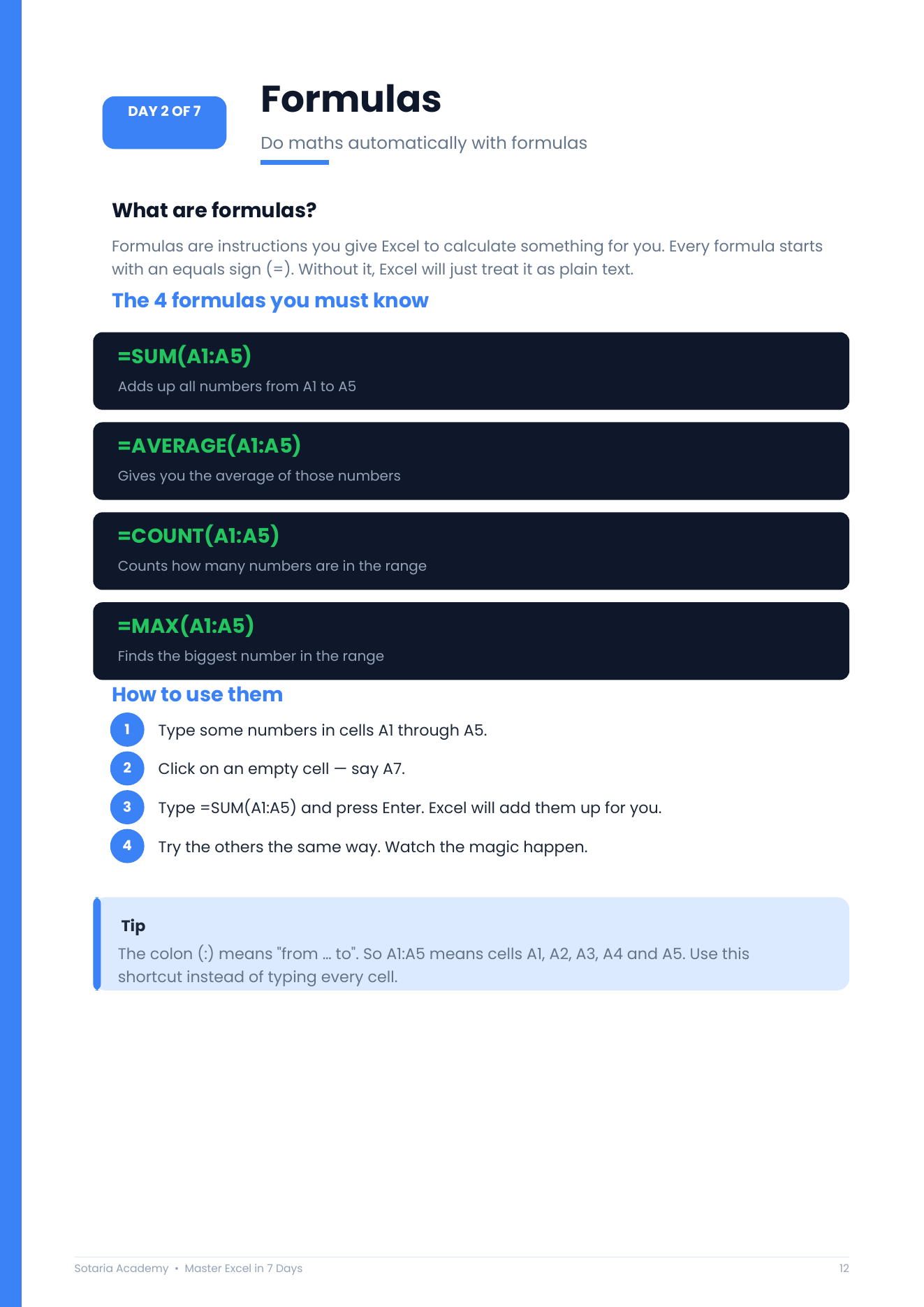


7 days.
One skill per day.
Each day is designed to take 30–45 minutes. By Day 7, you’ll be genuinely comfortable in Excel — not just skimming the surface.